The Insights tab in the dashboard is part of Aigon Pro. It builds on the telemetry data that the free Reports tab already collects, adding quality metrics, token analytics, efficiency trends, and AI-powered coaching.
Prerequisite: Aigon Pro must be installed and linked. See the Pro page for setup instructions.
Overview metrics
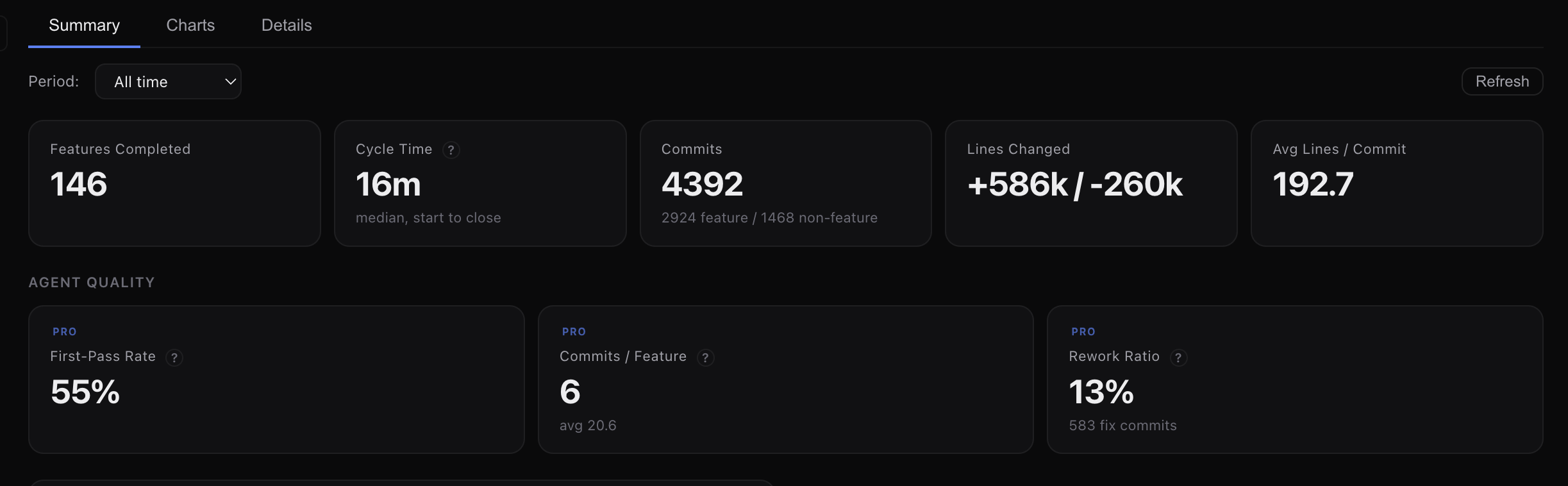
Three headline cards give you a quick read on quality and efficiency:
| Metric | What it measures | Better is… |
|---|---|---|
| First-Pass Rate (No Rework) | % of features completed without triggering rework flags (thrashing, fix cascades, scope creep) | Higher |
| Median Cost / Feature | Median AI compute cost per feature at API list prices | Lower |
| Median Tokens / Line Changed | Median billable tokens per line of code changed | Lower |
Screenshot coming soon
Insights overview cards showing first-pass rate, median cost, and token efficiency
Trends
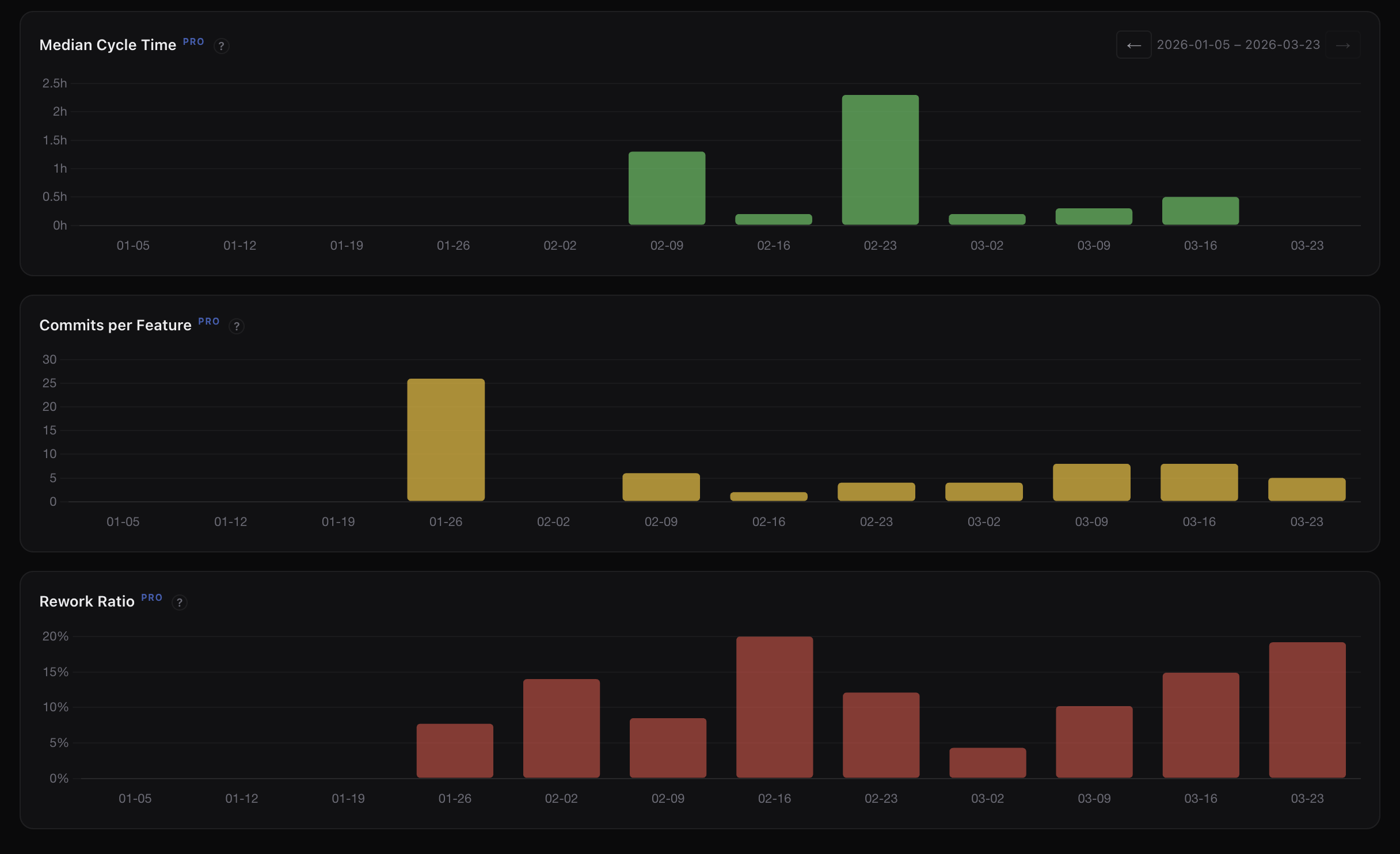
Two sparkline trend panels show 7-day and 30-day direction:
- Cost per Feature — is each feature getting cheaper to deliver?
- Tokens per Line Changed — are agents getting more efficient with tokens?
Screenshot coming soon
Sparkline trends for cost per feature and tokens per line changed
Token analytics
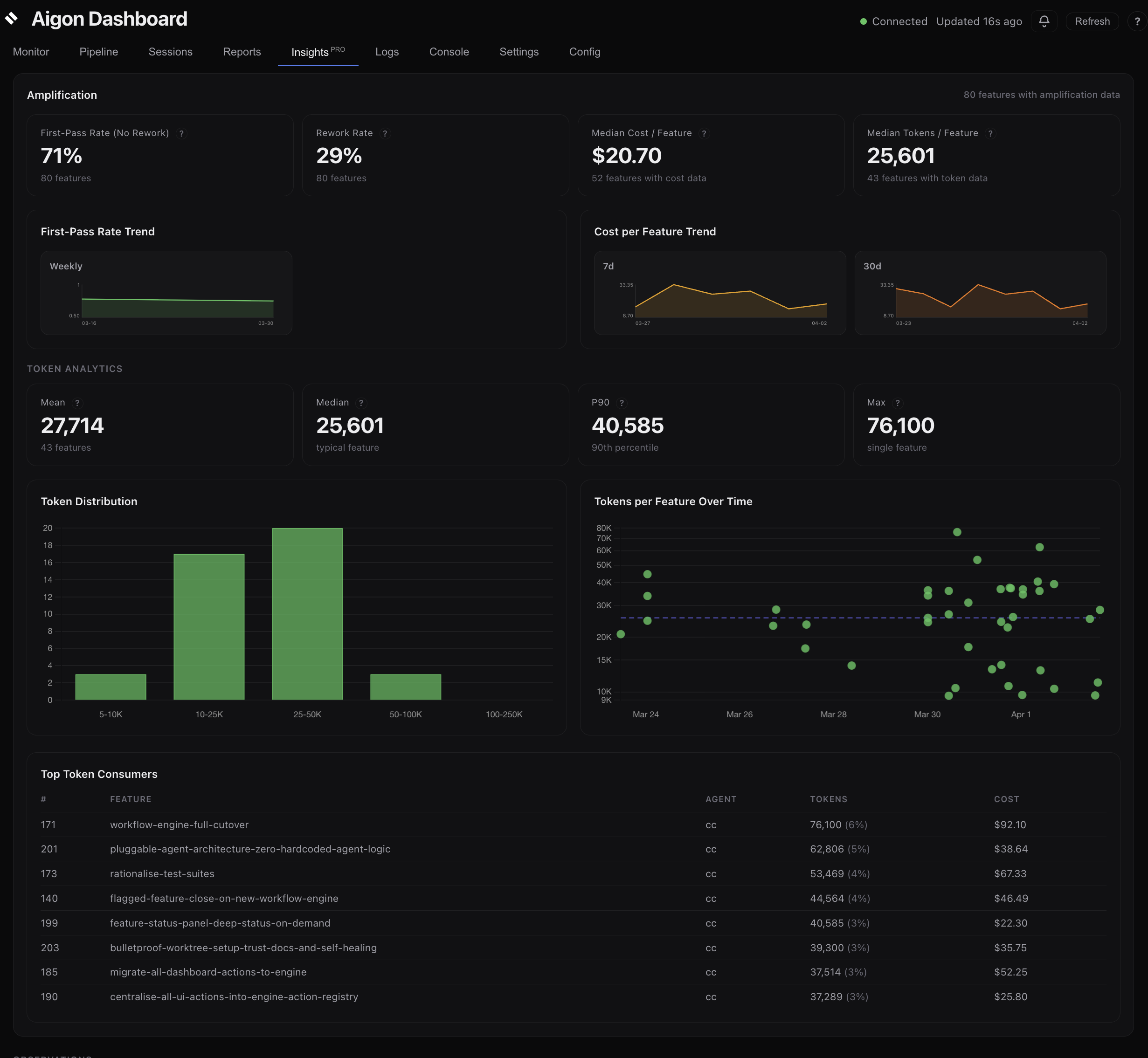
When features have billable token data, the Insights tab shows a full token analytics section:
- Summary cards — mean, median, P90, and max tokens per feature
- Token Distribution — histogram showing how token spend is distributed across features
- Tokens per Feature Over Time — scatter plot showing token spend trends
- Token Usage by Agent Over Time — stacked bar chart with daily/weekly bucketing
- Token Usage by Activity & Agent — stacked area chart breaking down implement vs. evaluate vs. review tokens
Agent Efficiency table
A per-agent breakdown showing features completed, median tokens, median cost, and median tokens per line changed. Use this to compare agent efficiency and decide role assignments.
AI insights & coaching
The insights panel analyses your recent workflow data and surfaces observations and actionable recommendations about your workflow patterns, agent performance, and cost optimisation opportunities.
How data flows
Agent sessions → Telemetry parsers → .aigon/telemetry/ → Reports tab (free)
                                                        ↘ Insights tab (Pro)
The Insights tab reads the same normalized telemetry that the free Reports tab uses. No additional data collection is required — if Reports shows data, Insights can analyse it.
Setting up Pro
- Install the Pro package:
cd ~/src/aigon-pro
npm link
cd ~/src/aigon
npm link @aigon/pro- Verify Pro is detected:
aigon doctorLook for the “Aigon Pro” line in the output.
- Restart the dashboard to load the Insights tab:
aigon server restartWhen Insights is most useful
The Insights tab shines when you have enough data to spot trends:
- After 10+ features — metrics become statistically meaningful
- With 2+ agents — the Agent Efficiency table reveals comparative strengths
- Over time — sparkline trends need at least a week of data to show direction
For new projects with few features, the free Reports tab provides everything you need.
Next steps
- Telemetry & Analytics — how data is collected and what each field means
- Dashboard guide — full walkthrough of all dashboard tabs
- Fleet Mode — multi-agent workflows that generate the richest data